Pressure and flow controllers
The Pressure Control panel combines gauge readings and mass-flow control in a shared engine. Open it from Engines > Pressure or its toolbar button. Controllers explains the common engine and status-bar controls.
Gauge and mass-flow connections
Connection has separate instrument sections for the pressure controller and optional mass-flow controller. Choose the driver, transport and address for each device. Their sessions are independent; Save Settings to YAML persists both sets of preferences.
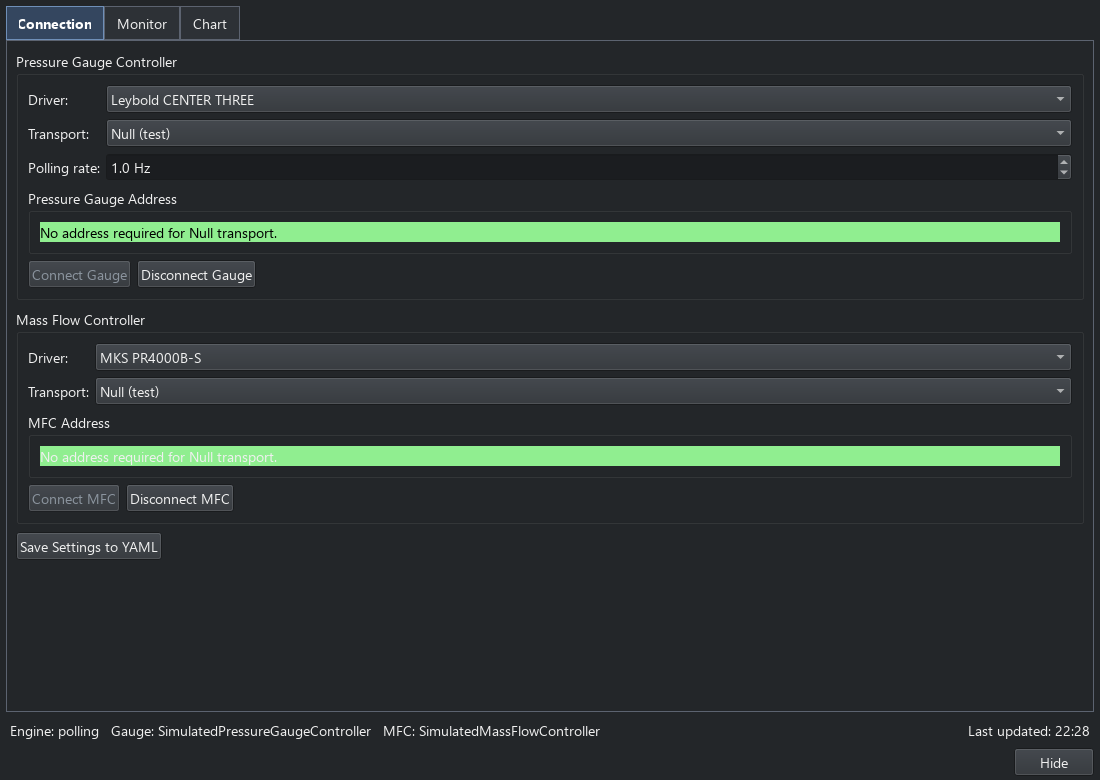
The two connection forms, shown with simulated instruments.
The main-window Pressure indicator connects or disconnects the preferred pressure gauge. It leaves the independent mass-flow session unchanged. Use the panel’s mass-flow connection controls to connect or disconnect that device. Disabling polling retains the connections and permits explicit reads.
Channels, flow and monitoring
Monitor shows the gauge channels and available channel controls, flow setpoints and actual flow, plus any interlocks or remote controls advertised by the selected devices. A pressure read and a flow setpoint are different operations: choose the device and channel that own the required capability. Units and optional controls follow the selected driver.
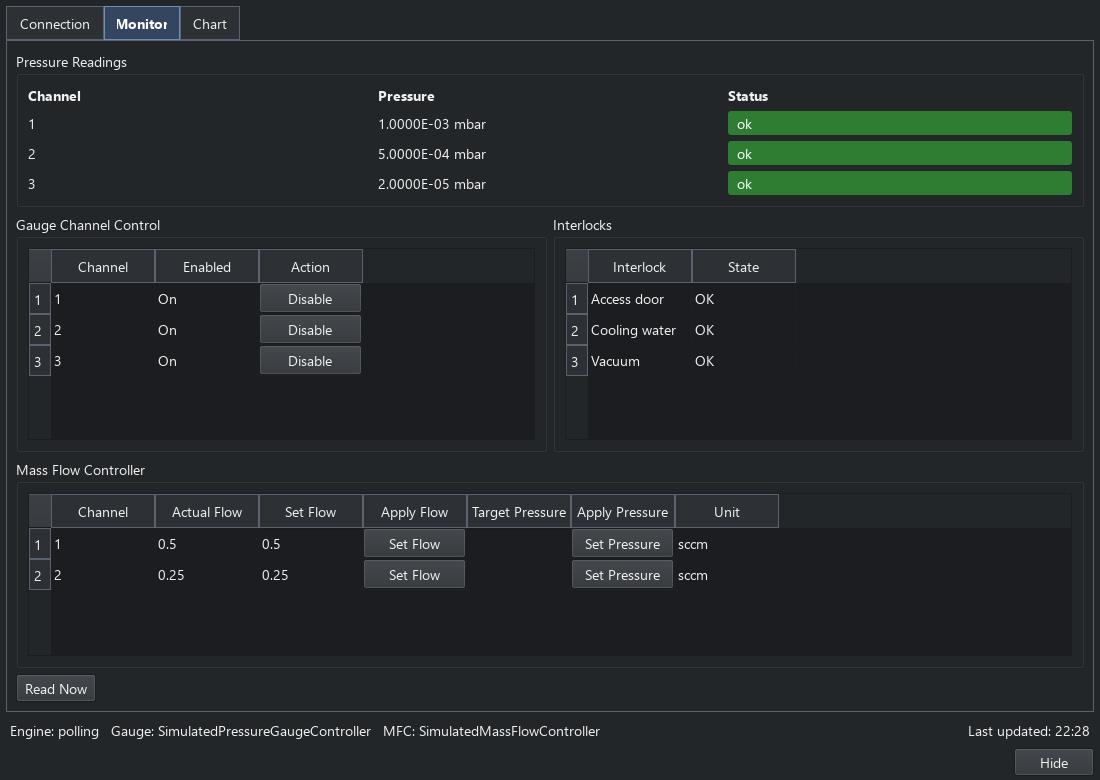
Channel monitoring and flow controls with the built-in simulators.
Chart keeps a live history of pressure and flow; pressure uses a logarithmic axis. Hiding the panel leaves the engine and connected instruments running. The panel’s live chart is separate from saved sequence results.
Sequences and results
Pressure Monitor, Set Flow and Gauge Channel steps borrow the shared pressure service. Their output and channel selectors determine which readings participate in a measurement. Use Plot Points for current scalar values, or enable scan/sweep data collection to retain them in a result table. Save then writes that table; see Collecting, fitting and saving data.
Python access and extension contracts are covered by Console and script reference, Core modules and Writing sequence plugins.
